




Hot Games








Live Cards










Popular Games











New Launch








Fairplay Login Checks Before You Enter
Before using any fairplay login page, check the source first. Do not enter a password only because the page appears in search, looks familiar or uses the right logo. A copied page can look clean, load quickly and still collect login details.
Start with the address bar. The domain should look clear and expected. The page should use HTTPS before the password field appears. The login area should not jump through strange redirects. There should be no urgent pop ups asking users to download files, send codes or claim unrealistic rewards.
A safer login review can include:
- Open the page from a trusted route.
- Read the full website address.
- Check HTTPS before typing anything.
- Look for certificate warnings.
- Avoid pages with forced pop ups.
- Confirm that the login form looks normal.
- Use OTP only inside the login flow.
- Close the page if it asks for private codes in chat.
| Login check | What to review | Warning sign |
| Source | Where the page came from | Random message, ad or short link |
| Domain | Full address and spelling | Extra letters, odd symbols or unknown words |
| HTTPS | Secure connection before login | Password field without HTTPS |
| Certificate | No browser warning | Unsafe connection message |
| Form | ID, phone, email, password and OTP if needed | Code requested outside the form |
| Support | Help route connected to the platform | Chat asks for password or OTP |
A safe fairplay login routine should feel calm. If the page tries to hurry the user, stop.
Page Address and HTTPS Review
The page address is the first real clue. Read it from left to right. Check whether the brand name is spelled correctly. Look for strange subdomains, extra numbers, unusual endings and long strings after the address.
HTTPS matters because the connection should be protected before login details are entered. The browser should not show a certificate warning. If the browser says the page is unsafe, do not treat that warning as a small error.
Check these details before login:
- Correct spelling in the main address.
- HTTPS in the browser bar.
- No unsafe certificate warning.
- No sudden change in address after page load.
- No extra login page opened in a new tab.
- No hidden final address behind a short link.
If a page opens from one address and then moves to another before password entry, pause and review again.
Red Flags Before Typing Password
Some warning signs should stop the login at once. Do not test a suspicious page with real credentials.
Red flags include:
- Strange pop up windows.
- A request to send OTP to support or chat.
- A file download required for account entry.
- A page that asks for banking details before login.
- Aggressive bonus promises.
- Claims of guaranteed winnings.
- Broken Terms or Privacy links.
- A support contact that asks for password.
- A copied page with no clear account route.
- A login form that appears only after several redirects.
Fairplay account access should not require sharing OTP with another person. It should not require downloading an unknown file before the user can log in.
My Fairplay Login for Account Control
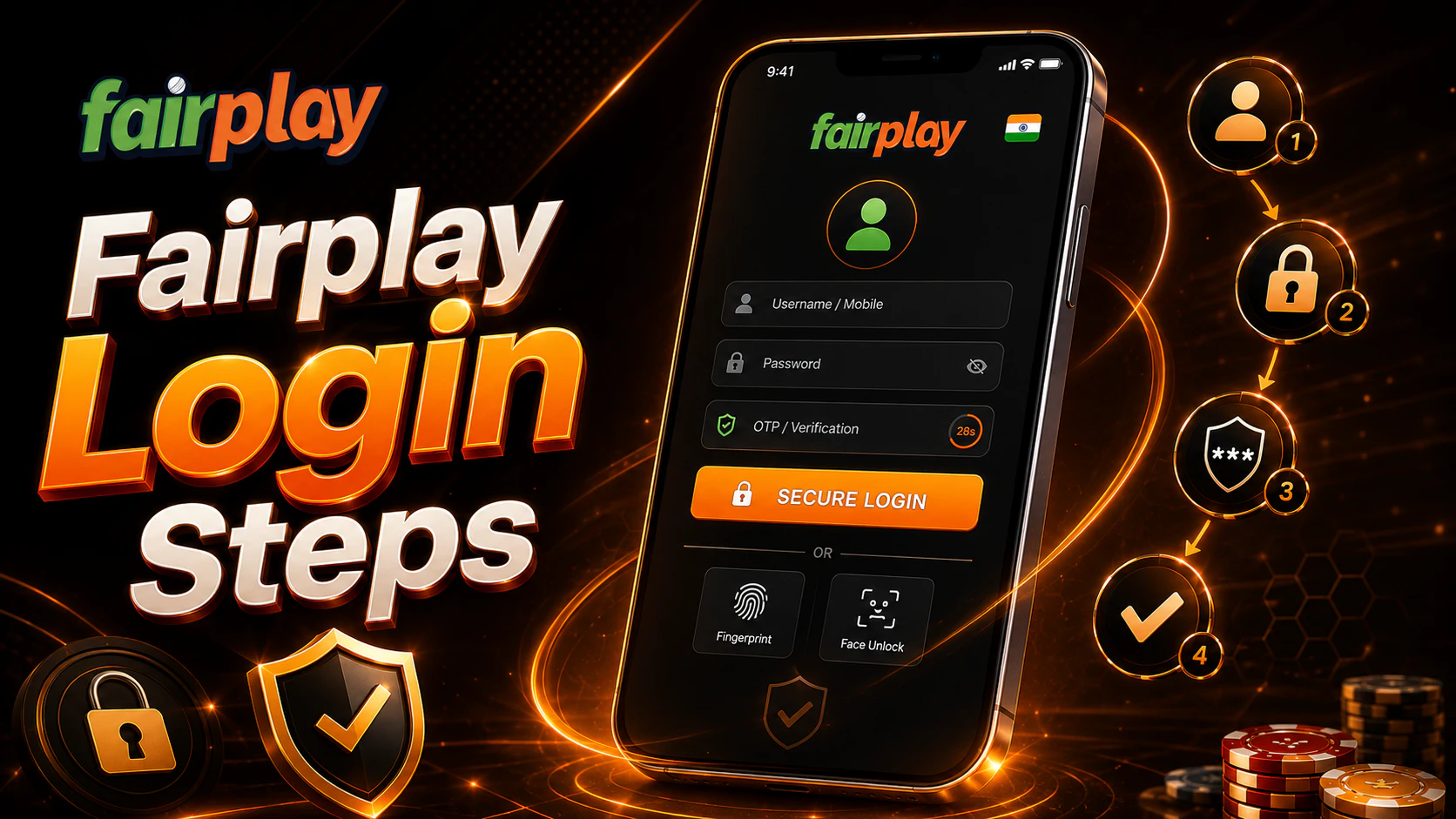
My fairplay login should give the user access to the personal account area. This is where balance, bets, bonuses, payments, profile details and security settings can be reviewed. After login, the user should not move straight to betting, casino games or payments. The account area should be checked first.
The personal account space can help users understand what happened during recent activity. A deposit may be pending. A withdrawal may be under review. A bet may still be unsettled. A bonus may have terms or expiry time. These details are easier to manage when the user knows where to look.
Useful account sections may include:
- Balance overview.
- Deposit history.
- Withdrawal history.
- Betting history.
- Casino activity if available.
- Bonus section.
- Profile details.
- Security settings.
- Notifications.
- Support access.
| Account area | Why it matters | What to check |
| Balance | Shows available funds | Main balance, bonus balance and pending amounts |
| Payments | Tracks money movement | Deposits, withdrawals and references |
| Betting history | Shows accepted and settled bets | Event, stake, status and result |
| Bonuses | Shows active offers if available | Terms, expiry and wagering rules |
| Profile | Holds contact details | Phone, email and account data |
| Security | Protects account access | Password, devices and sessions |
The account area is not just a menu. It is the user’s control room.
Why Session History Matters
Session history can help users notice unusual access. If the platform shows login devices, login time or active sessions, users should check them after signing in from a new phone, browser or network.
Suspicious signs may include:
- Unknown device.
- Login time the user does not recognize.
- Region or browser that looks unfamiliar.
- Multiple active sessions.
- Profile changes the user did not make.
- Payment movement that looks unexpected.
If something looks wrong, change the password from a verified page. Review active sessions if that option exists. Contact support through the account or a checked platform route. Do not send password or OTP during this process.
Fairplay Login ID Sign Up Done Correctly
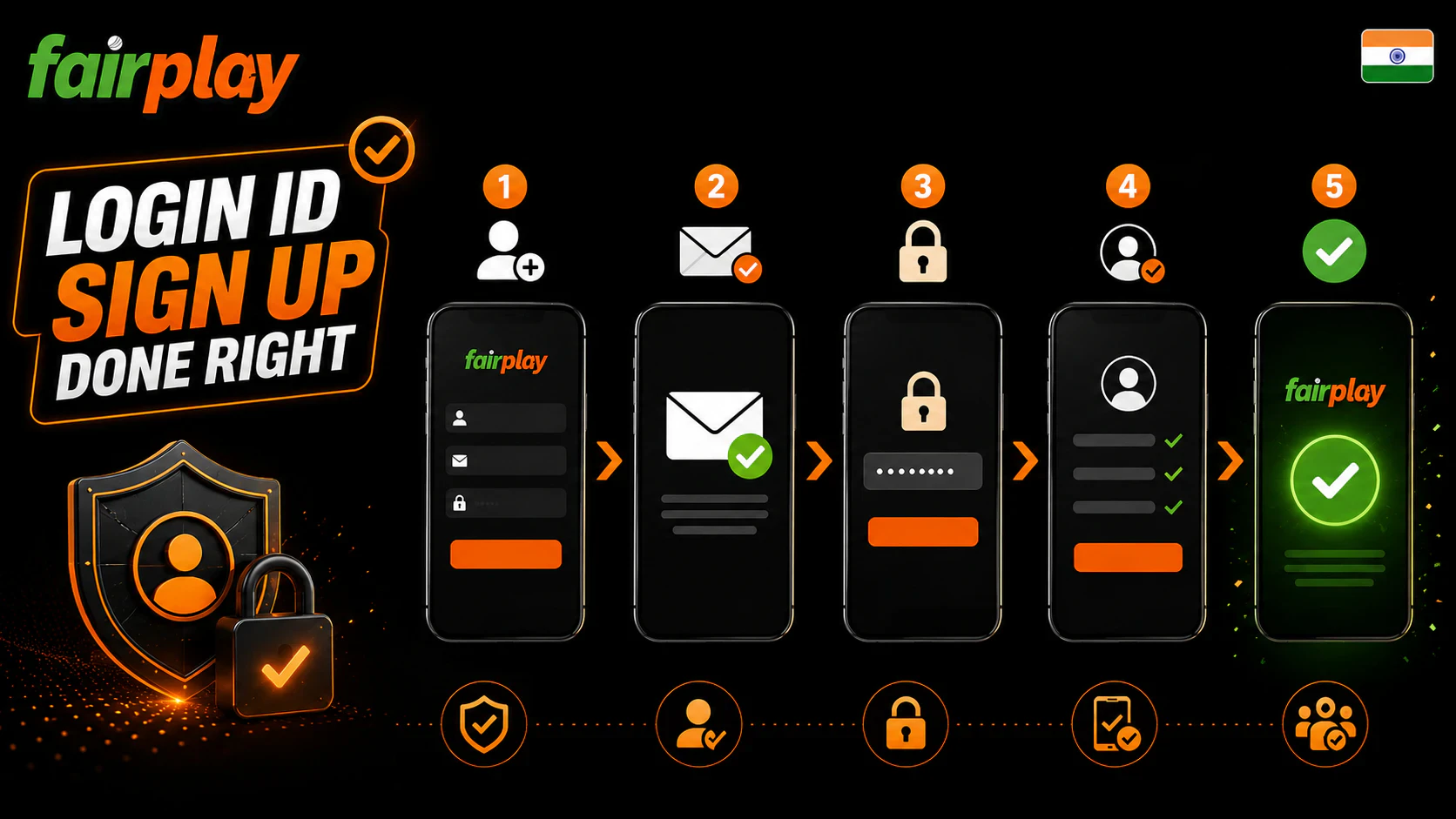
A safe account begins at registration. Users searching fairplay login id sign up usually want to create access details and enter the platform for the first time. This step should happen only on a verified page.
Registration may ask for phone, email, username or account ID, password and contact confirmation. Exact fields can vary, so the user should read the current form carefully. The goal is to create details that can be verified later.
A safer sign up flow:
- Open a verified Fairplay page.
- Find the sign up or register section.
- Enter accurate phone or email.
- Create a unique login ID if required.
- Set a strong password.
- Confirm contact through OTP or email if requested.
- Read account rules.
- Complete the first login.
- Review account settings after entry.
Registration should not happen through a private chat. Do not send OTP, password or payment details to another person.
Accurate Contact Details
Correct phone and email details matter. They may be used for OTP, device verification, password reset, account recovery, payment review and support checks. A wrong contact can lock the user out later.
Use contact details that you control. Do not use a temporary phone number. Do not use someone else’s email. Do not register with details that cannot be verified.
Accurate contact details help with:
- OTP delivery.
- Password reset.
- New device confirmation.
- Security notices.
- Withdrawal checks if required.
- Bonus or account messages.
- Support review.
- Recovery after lost access.
A small typo during sign up can become a larger problem during recovery.
Unique ID and Password Pair
A login ID and password should be treated as a pair. Both should be unique. Do not use the same password as email, banking, wallet, social media or phone lock access. If one service is exposed, reused passwords create risk across other accounts.
A better password includes:
- Uppercase letters.
- Lowercase letters.
- Numbers.
- Symbols.
- Enough length.
- No birthday.
- No phone number.
- No username.
- No simple pattern.
- No reused password from another site.
If a password manager is used, check the domain before allowing autofill. Autofill on the wrong page can give credentials to a fake form.
Fairplay Pro Login for Fast Access
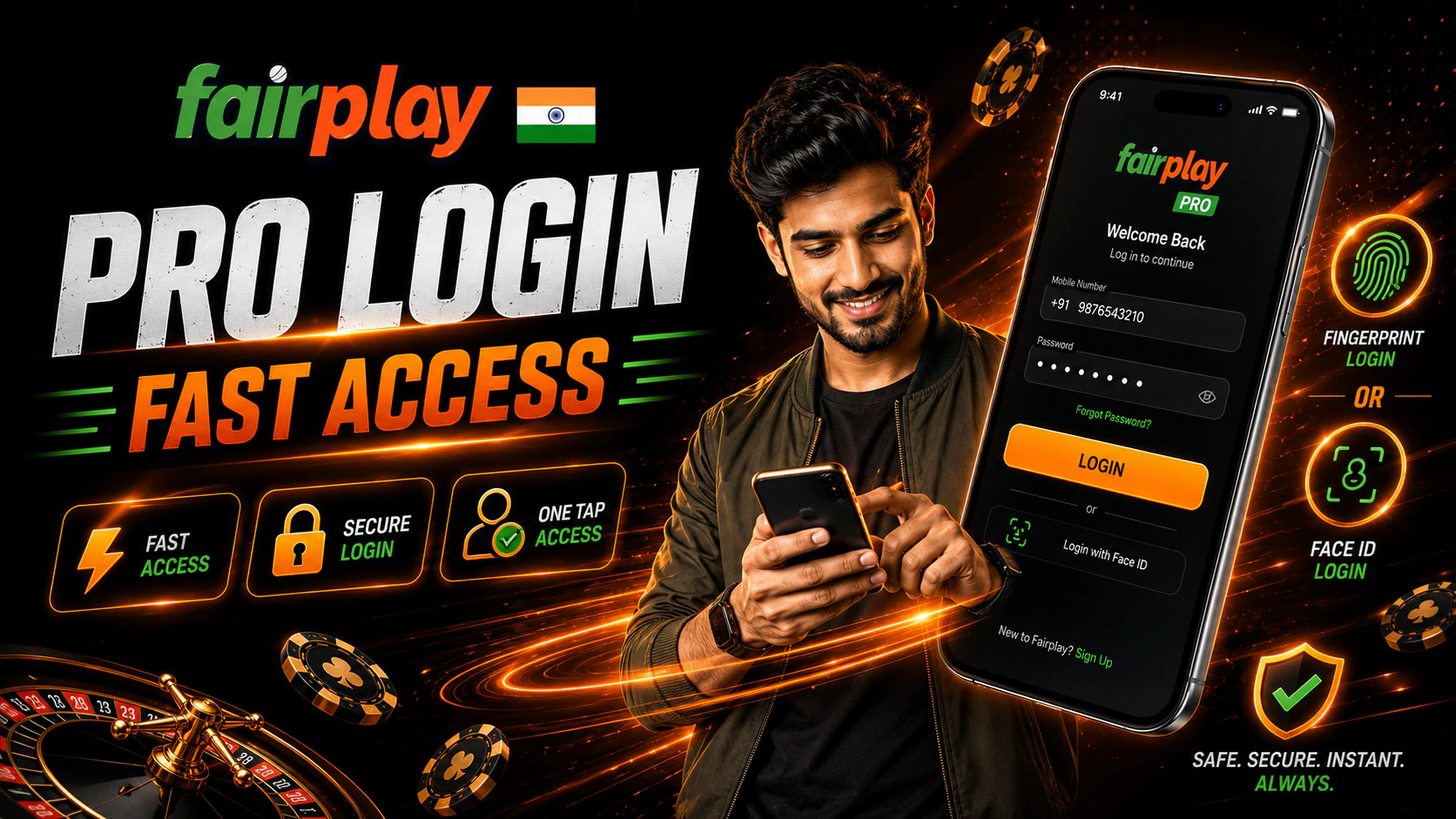
Fairplay pro login may appeal to users who want quicker access to live events, active markets, bet slip, bonuses and payments. Fast access can be useful during sports events, but speed should not replace safety.
A quick login should still follow the same checks: source, domain, HTTPS, password field, OTP or 2FA, device notice and account review. The user should confirm that the page is correct before relying on saved credentials or fast entry tools.
Fast access may help users:
- Open live sports faster.
- Review active markets.
- Check the bet slip.
- Review bonus areas.
- Check payment status.
- Open account settings.
- Reach support quickly.
These are access benefits, not winning advantages. Faster entry does not improve match results or guarantee profit.
Faster Access Without Skipping Safety
Users may feel pressure when a match is already live. A cricket over may be running. A football market may be closing. A bet slip may be waiting. That pressure can lead to mistakes.
Do not skip these checks during fast login:
- Read the domain.
- Confirm HTTPS.
- Avoid public Wi Fi for account actions.
- Enter password only inside the form.
- Use OTP only inside the verified flow.
- Check session status after entry.
- Confirm account balance before betting.
- Review the bet slip before submission.
A missed market is less costly than a compromised account.
Device Recognition and Alerts
The platform may ask for extra confirmation when a user signs in from a new phone, browser, region or network. This can appear as OTP, email confirmation, device notice or another security prompt. These checks can help protect account access when used correctly.
A device confirmation request should stay inside the verified login flow. It should not come from a random chat contact. If a person asks for OTP, refuse.
Device safety habits include:
- Review login alerts.
- Confirm new device only if it is yours.
- Do not approve unknown attempts.
- Log out from shared devices.
- Remove old sessions if the account offers that option.
- Change password after suspicious activity.
- Keep phone and email access secure.
Fairplay 24 Login and Availability Expectations
Some users search fairplay 24 login because they want access at any time. The phrase may suggest fast or constant access, but users should not assume that every service, page, payment method or support route is always available. Platform sections can change, and maintenance can happen.
When using a Fairplay page late at night or during active sports hours, check the same details as usual. Do not use a random page because the normal route is slow. Do not install a file sent through a message because a page is temporarily unavailable.
If login does not work:
- Refresh once.
- Check the URL again.
- Try a stable network.
- Clear browser cache if needed.
- Try a trusted browser.
- Check Fairplay app version if using app.
- Contact support through a verified route.
Avoid repeated password attempts if the page keeps failing. Too many attempts may trigger extra checks.
App Login and Mobile Device Safety
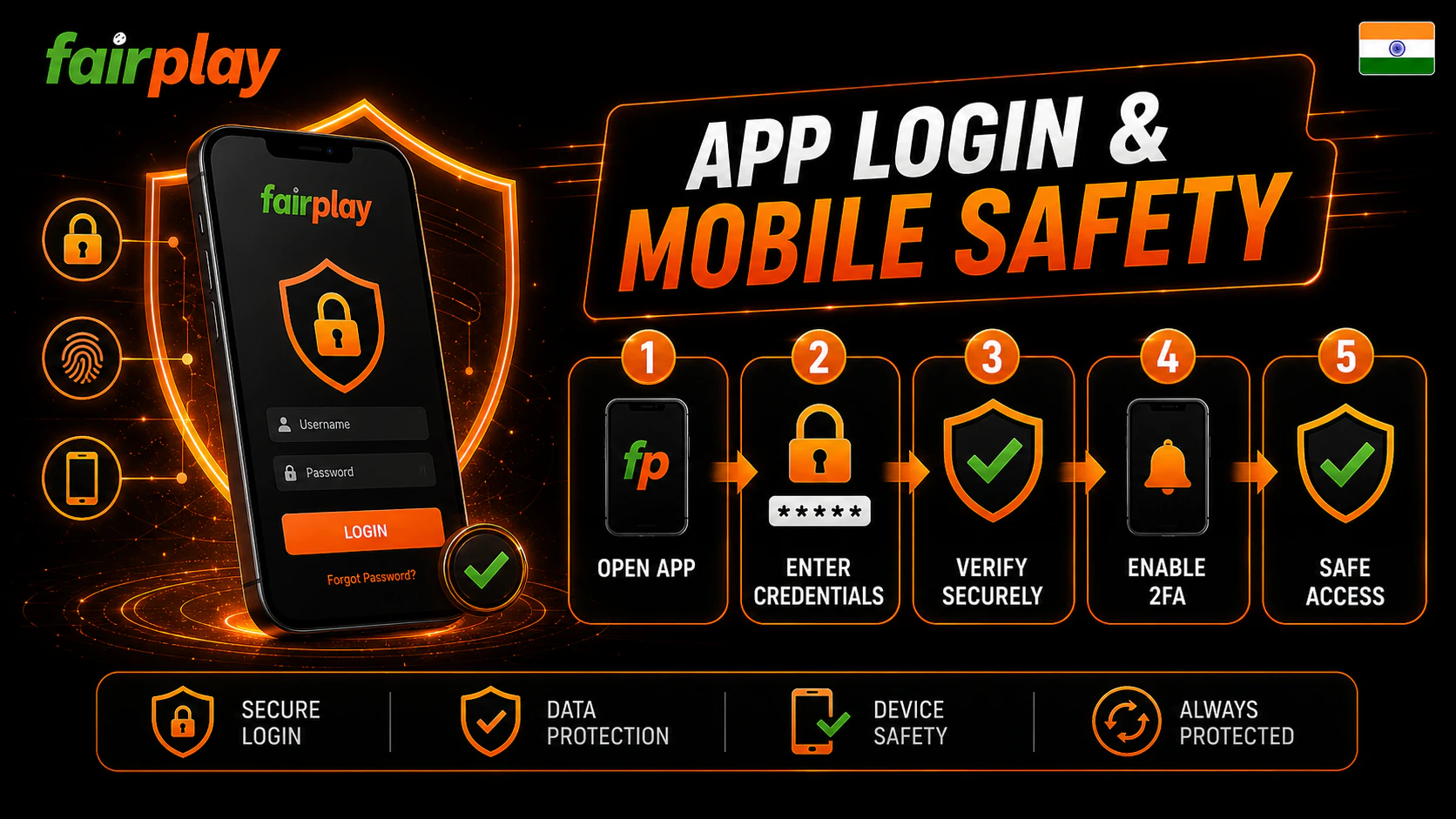
Many users prefer mobile access. A Fairplay app can be convenient if it comes from a verified source. It may help users open account areas, live events, payments and bonuses faster. Still, app login creates another safety layer.
Before app login, check:
- App source.
- File name if APK was used.
- Version information.
- Permissions.
- Update route.
- Login page behavior.
- OTP handling.
- Account area after entry.
Do not install apps from chats, forums, ads, unknown mirrors or file archives. On Android, allow installation only for one trusted source if needed, then turn that permission off after setup. On iPhone, use App Store availability or browser access. APK files do not install on iOS.
Suspicious app permissions include SMS, contacts, accessibility, device admin access and permission to install other apps. If a betting or gaming app asks for broad access without clear reason, deny it.
Payment, Bonus and Betting History Protection

Login protects more than entry. It protects money movement, bonus access and betting records. After login, review the account before placing bets, using casino games or making payment actions.
Before payments, check:
- Current balance.
- Deposit method.
- Withdrawal method.
- Reference number.
- Pending status.
- Account statement.
- Support route.
Before using bonuses, check:
- Eligibility.
- Expiry time.
- Wagering rules.
- Eligible games or markets.
- Minimum deposit if shown.
- Withdrawal conditions.
Before betting, check:
- Event name.
- Market title.
- Stake.
- Bet slip.
- Confirmation status.
- Bet history after submission.
No login path, bonus or market guarantees winnings. The user should treat gambling as entertainment with risk.
Responsible Login and Play Habits
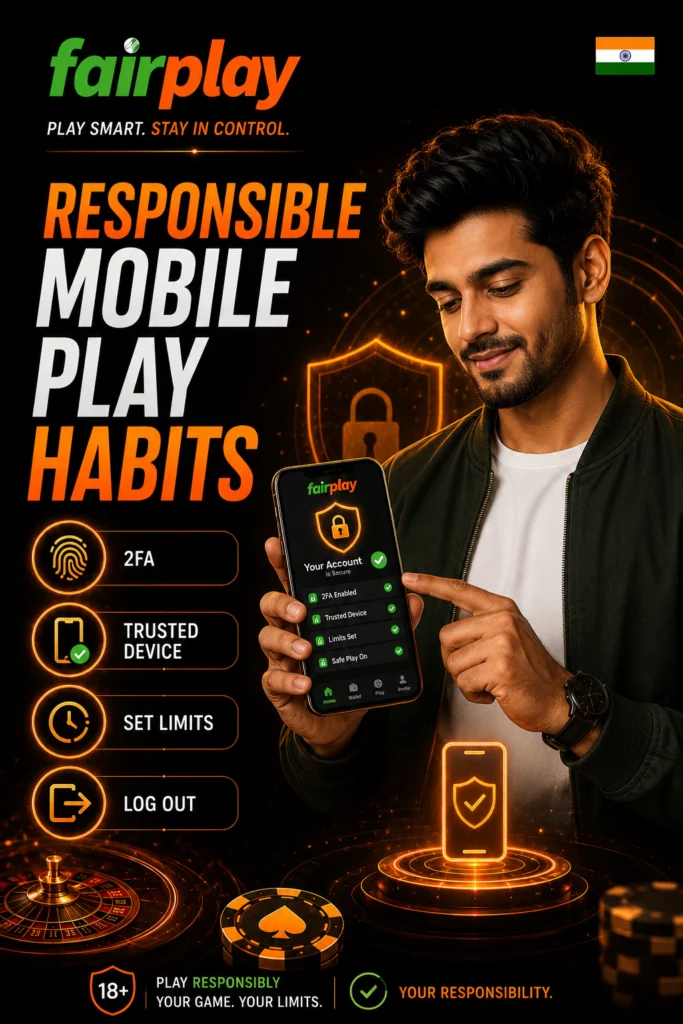
Security and responsible play are linked. A user who logs in too often, plays under stress or chases losses may make weaker safety decisions. They may ignore page warnings, reuse passwords, accept strange files or share codes in a hurry.
Set limits before activity. Decide how much money and time can be used without harming daily life. Do not use money needed for rent, food, bills, transport, family needs, medical needs or debt payments.
Healthy habits include:
- Set a session budget.
- Set a timer.
- Take breaks.
- Do not chase losses.
- Avoid borrowed money.
- Do not play while angry or stressed.
- Use timeout if available.
- Use self-exclusion if control feels weak.
- Stop if gambling affects sleep or mood.
The safest account is not only protected by a password. It is also managed with limits.