



Hot Games








Live Cards










Popular Games











New Launch








Fairplay App Download Without Unsafe Detours
A fairplay app download should never begin from a random search result, forwarded message, social media comment or pop-up. Mobile apps and APK files can carry real risk when the source is unclear. A copied file can show the right logo, open a familiar login screen and still collect passwords or OTP codes.
The safest starting point is the official source shown by the platform itself. A user should check the Fairplay Login page before tapping download. The page should have a clear domain, HTTPS, normal navigation, consistent app name and no aggressive pressure to install quickly. If a page hides its address, opens several redirects or promises unrealistic rewards for installing, stop.
A good download habit protects both the account and the phone. The Fairplay app may later connect to payments, bonuses, betting slips and profile settings, so the file source matters from the first tap.
| Download check | What to review | Risk sign |
| Source page | Clear platform route | File appears only in chat or pop-up |
| Domain | Readable address | Extra symbols or strange subdomain |
| HTTPS | Secure page before download | Browser warning or unsafe page |
| App name | Matches the expected Fairplay app name | Random file name or unrelated label |
| Version | Current version details if shown | No version or update note |
| Redirects | Page stays predictable | Several jumps before file appears |
Why the Source Matters
The source matters because an app file can do more than open a screen. A fake APK can copy the fairplay login form and send details elsewhere. A phishing page can ask for OTP outside the app flow. A harmful file can request broad permissions and watch private phone data. A fake promo page can pressure users to install quickly by promising bonus access.
Unsafe sources can create these risks:
- Fake APK installation.
- Phishing login form.
- Password theft.
- OTP capture.
- Malware on the device.
- Fake bonus claims.
- Redirected payment details.
- App updates from unknown senders.
If the source is unclear, do not install the file. Use browser access until the route is verified.
What to Check Before Tapping Download
Before tapping download, check the page like you would check a payment page. Slow down and review the details.
Check:
- Domain spelling.
- HTTPS status.
- App name.
- Version information.
- Update date if shown.
- No strange redirects.
- No browser security warning.
- No forced download before page review.
- No demand to enter OTP or password before download.
- No instruction to disable all phone protection.
A real download page should not need secrecy or urgency. If it asks the user to ignore warnings, treat that as a serious sign of risk.
Fairplay Mobile Benefits for Active Users
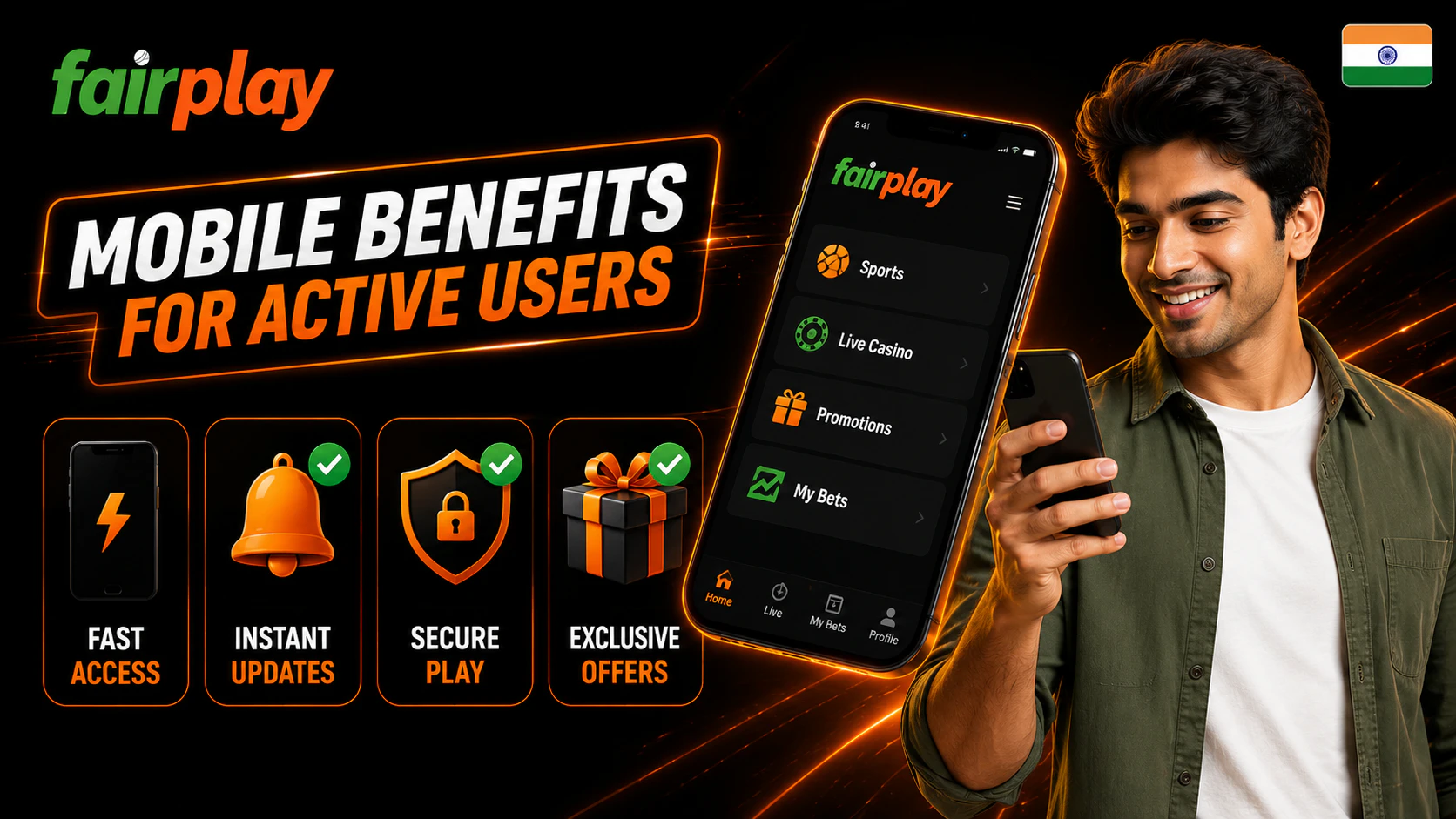
The fairplay app can be useful for users who want faster access from a personal smartphone. Instead of opening a browser, typing a page, checking a bookmark or searching again, the user may open the app icon and reach the account area more quickly.и
Mobile access can be practical for sports events, live betting, casino games, balance review, payments, bonuses and profile settings. A user can check account status during short breaks, follow active markets or review a transaction without using a desktop device.
Still, convenience should stay under control. Fast access should not lead to rushed betting or automatic deposits. The app should help the user navigate, not push the user to act without review.
Possible mobile benefits include:
- Faster login from a personal phone.
- Quick sports and live event access.
- Casino game browsing from mobile.
- Balance checks.
- Bonus section review.
- Payment status checks.
- Profile settings access.
- Notifications if enabled.
- Faster movement between sections.
Live Access During Sports Events
Live sports can move quickly. Odds may update, markets may pause and bet slips may refresh while the user is still reading. The app can help users follow active events, open markets, check selections and review bet status from the phone.
For cricket, football or tennis, mobile access may help users move between match pages, live tabs and bet history. The key is to keep control. Before confirming anything, the user should check event name, market, selection, stake and status.
During live events, review:
- Correct sport.
- Correct match.
- Current market status.
- Odds change notice if shown.
- Stake amount.
- Bet slip details.
- Accepted or pending status after confirmation.
The app can make access faster. It does not make live betting safer by itself.
Faster Account Actions on the Go
A mobile app can make account actions easier when the user is away from a desktop. Payments, transaction checks, bonus review and profile settings can be opened from the phone if those sections are available.
Users may check:
- Deposit status.
- Withdrawal status.
- Transaction history.
- Bonus rules.
- Account balance.
- Profile details.
- Security settings.
- Support messages.
Payment actions need extra care on mobile. The user should confirm the balance, payment method, reference number and transaction status inside the account. Screenshots should hide private data if support contact is needed.
Preparing Your Phone Before Fairplay App Download
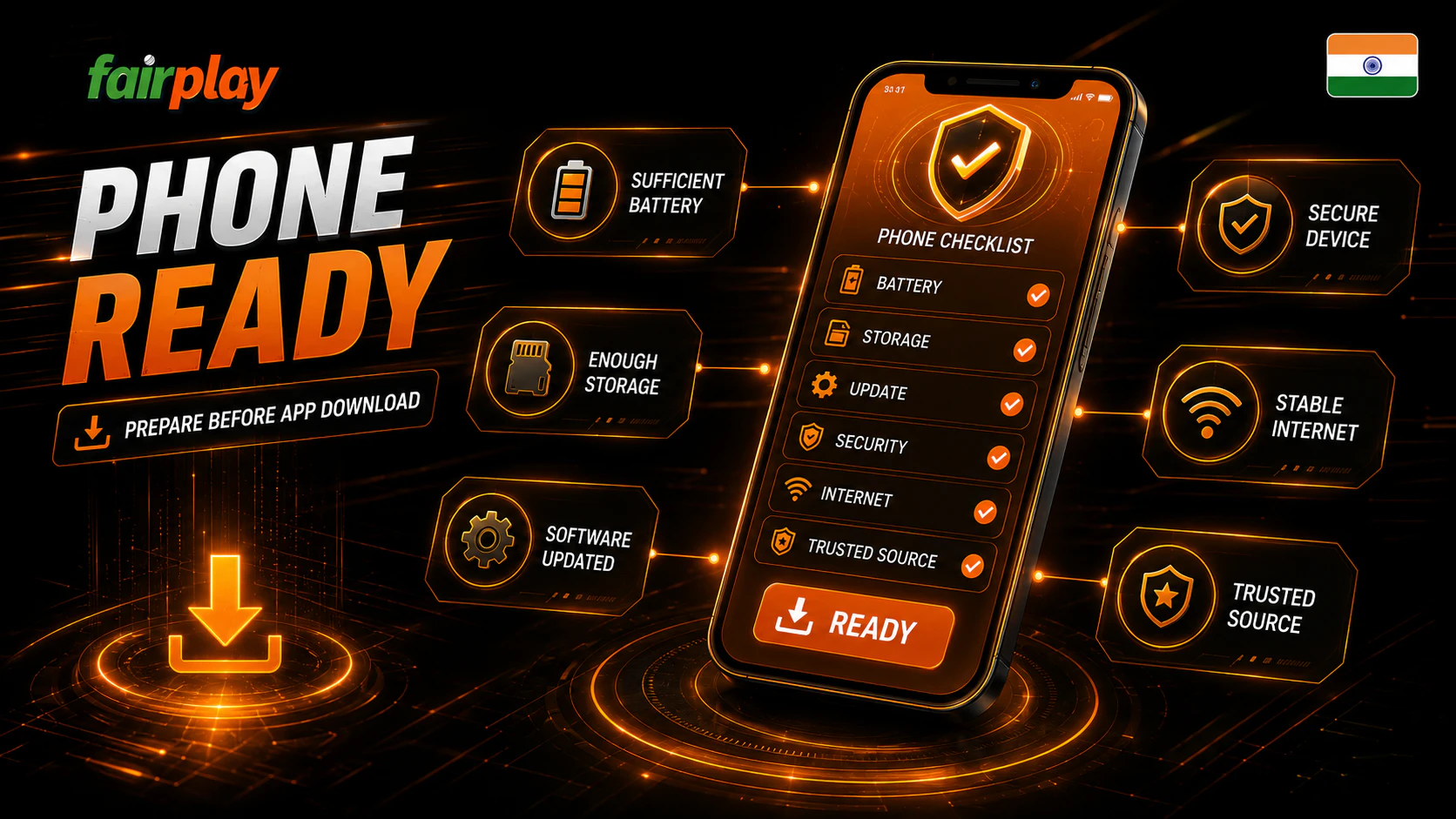
Before installing the Fairplay app, prepare the phone. A rushed install can fail because of low storage, weak internet, old system software or low battery. A damaged file or interrupted download can also create login or launch issues later.
A basic phone check takes only a few minutes. It can prevent repeated failed installs and reduce the chance of using a random replacement file from search.
Storage, Battery and Internet Checks
Before installation, check:
- Free storage space.
- Stable internet connection.
- Battery level.
- Updated browser.
- Correct date and time.
- Android or iOS system status.
- No active suspicious VPN or proxy.
- No browser security warning on the download page.
- Enough time to install without rushing.
If the phone is nearly full, clear storage first. If the connection is unstable, wait. If the battery is low, charge the phone before download. Do not start installation during a live event just because access feels urgent.
iOS Updates and Device Stability
An outdated system can cause app problems. It may block installation, break login screens, affect notifications or make pages load incorrectly. On iPhone and iPad, system updates and App Store rules can also affect availability.
Before trying iOS access, check:
- iOS version.
- Free storage.
- Apple ID access.
- Region settings.
- App Store availability if relevant.
- Browser update status.
- Network stability.
If the app is not available for iOS, do not use jailbreak guides, unknown profiles or bypass tools. Use official instructions from the platform or safe browser access.
Android Setup Through APK File

Android users may install through an APK file if the platform provides that route. This process needs careful handling because Android may require permission to install from outside the Play Store.
A safer Android setup flow:
- Open the verified Fairplay source page.
- Check domain, HTTPS and app name.
- Review version details if shown.
- Tap download only after source checks.
- Open Android settings when prompted.
- Allow installation only for the checked source.
- Open the APK file.
- Review permission requests.
- Install the app.
- Turn off unknown source installation after setup.
- Open the app.
- Log in only after checking the app screen.
The final step is important. After installation, go back to phone settings and disable permission for unknown app installation. Leaving it enabled can make later unsafe installs easier.
Safe APK Permission Review
Some permissions may look logical for a mobile betting and casino app. Network access is needed for account connection. Notifications may support alerts if the user allows them. Storage may be involved during installation or updates on some devices.
Other permissions deserve caution. A suspicious version may request broad access that does not match normal app use.
Question permissions such as:
- SMS access.
- Contacts.
- Accessibility service.
- Device admin access.
- Full file access without reason.
- Screen recording.
- Permission to install other apps.
- Notification reading.
- Unknown background control.
If the app asks for broad permissions without clear purpose, do not continue. Remove the app and use browser access from a verified page.
First Launch After APK Setup
The first launch is a test. Do not install the APK and immediately move to deposits, withdrawals or live bets. Open the app, check the app name, review the login screen and confirm that it does not open a strange domain or chat window.
A safer first launch routine:
- Open the app.
- Check version if visible.
- Review the login form.
- Enter ID or contact only inside the form.
- Enter password.
- Complete OTP or 2FA only inside the app flow.
- Check profile after login.
- Review balance.
- Check support route.
- Log out if using a new or shared phone.
If the app opens a different login page than expected, stop before entering data.
iPhone and iPad Access Options

iPhone and iPad users should not install APK files. APK is an Android format. For iOS, users should check whether an App Store version is available in their region, whether the Apple ID can access it and whether the iOS version meets current requirements.
If an iOS app is not available, users should follow only official website instructions. Do not install unknown configuration profiles, use jailbreak methods or follow bypass videos. These can create device and account risk.
App Store Availability Check
App Store availability can depend on region, service version, platform policy and current store rules. A user may not see the same app listing as another user in a different region or on a different iOS version.
Before assuming an issue, check:
- App Store search spelling.
- Apple ID region.
- iOS version.
- Device storage.
- Platform instructions.
- Whether the listing is still available.
If the app is not visible, do not install files from random sites claiming to provide an iPhone APK. That is not how iOS works.
Browser Access as an Alternative
Browser access can be a safe alternative when the app is not available or the source is unclear. A mobile browser allows the user to check the official page address, HTTPS status and account route before login.
A safer browser access routine:
- Open the verified website in Safari or another trusted browser.
- Read the full URL.
- Confirm HTTPS.
- Log in only through the form.
- Use OTP only inside the page flow.
- Bookmark the page only after full review.
- Log out on shared devices.
Browser access may be less quick than an app icon, but it avoids unsafe file installation.
Responsible Mobile Play Habits
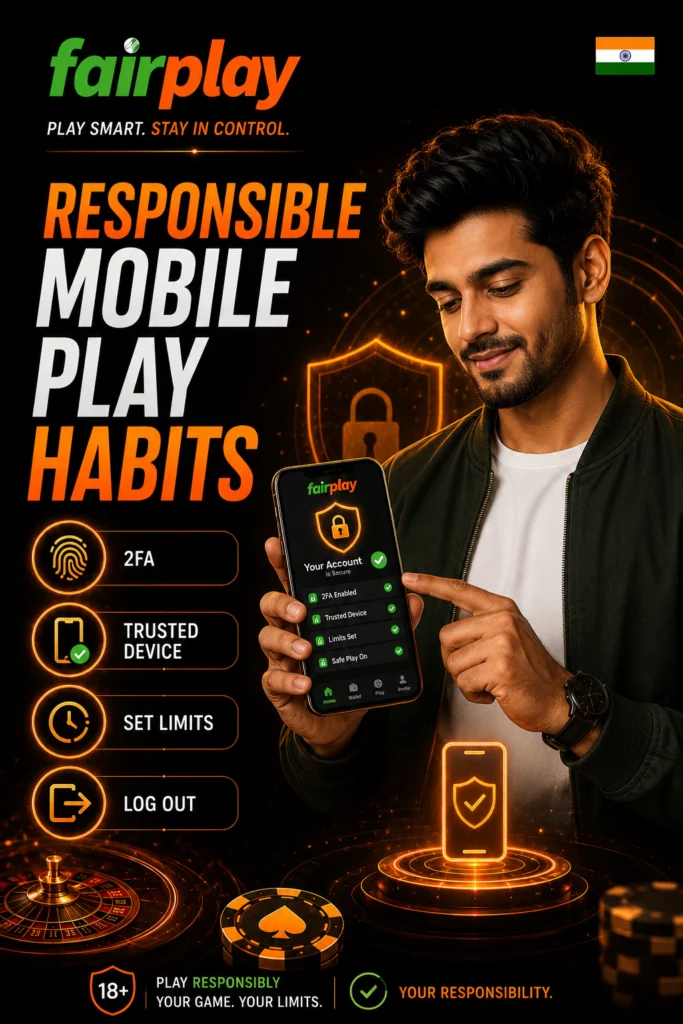
Mobile play can be convenient, but it can also make sessions too easy to start. A phone is always nearby. A match alert, bonus message or live event can pull the user back into the account quickly. That is why mobile users need clear limits.
Before opening Fairplay on mobile, set a budget and time limit. Do not use money needed for rent, food, bills, family expenses, school fees, medical costs or debt payments. Gambling should be treated only as entertainment.
Helpful mobile habits include:
- Set a session timer.
- Use a fixed budget.
- Take breaks.
- Avoid betting while walking or commuting.
- Do not chase losses.
- Turn off notifications if they trigger impulsive play.
- Use timeout tools if available.
- Use self-exclusion if control feels weak.
- Track spending after sessions.
- Stop if play causes stress.
Playing “on the go” can reduce attention. Avoid payment actions or live betting when distracted.
Troubleshooting After Installation
If the app does not work correctly, identify the symptom before changing settings or reinstalling.
| Problem | Possible reason | Safer action |
| Installation blocked | Android source restriction or security warning | Recheck source, do not ignore warnings blindly |
| App closes | Version conflict or damaged install | Restart phone, check verified update |
| Login fails | Wrong password, cache, old version | Test browser login and clear cache |
| OTP missing | Network delay or wrong contact | Wait, use newest code, check contact details |
| Blank screen | WebView, cache or connection issue | Update browser component and retry |
| Update loop | Fake or outdated update route | Stop and check official source |
| Payment page mismatch | Unsafe app or redirect issue | Do not pay, compare with browser route |
Never solve app problems by downloading a random APK from Telegram, forums or ads.